Domain verification during development
I am developing a toy DApp that uses zkpassword for proof of personhood. I am following instructions here. I come across an error related to my choice of domain. I do not yet have a domain for this DApp (infact, I intended to use static github pages site as I did with another DApp).
I have tried various test domains to try to get a test working in development. I have tried w3schools.com, mitrydoug.github.io, and even demo.zkpassport.com. Each time, the following things happen during the iPhone verification step:
the “Continue” button has a spinner for ~10 seconds
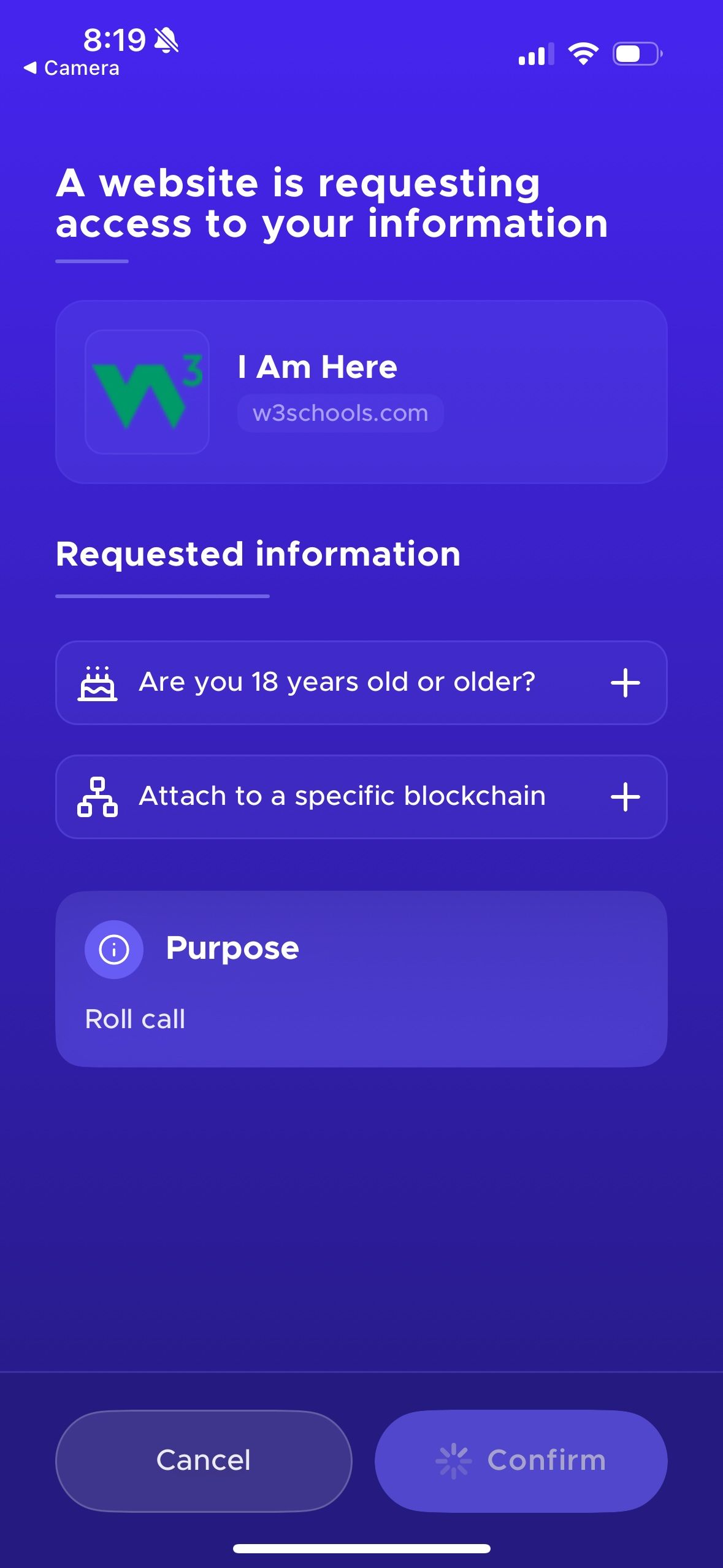
I get the following “Domain not verified” error:
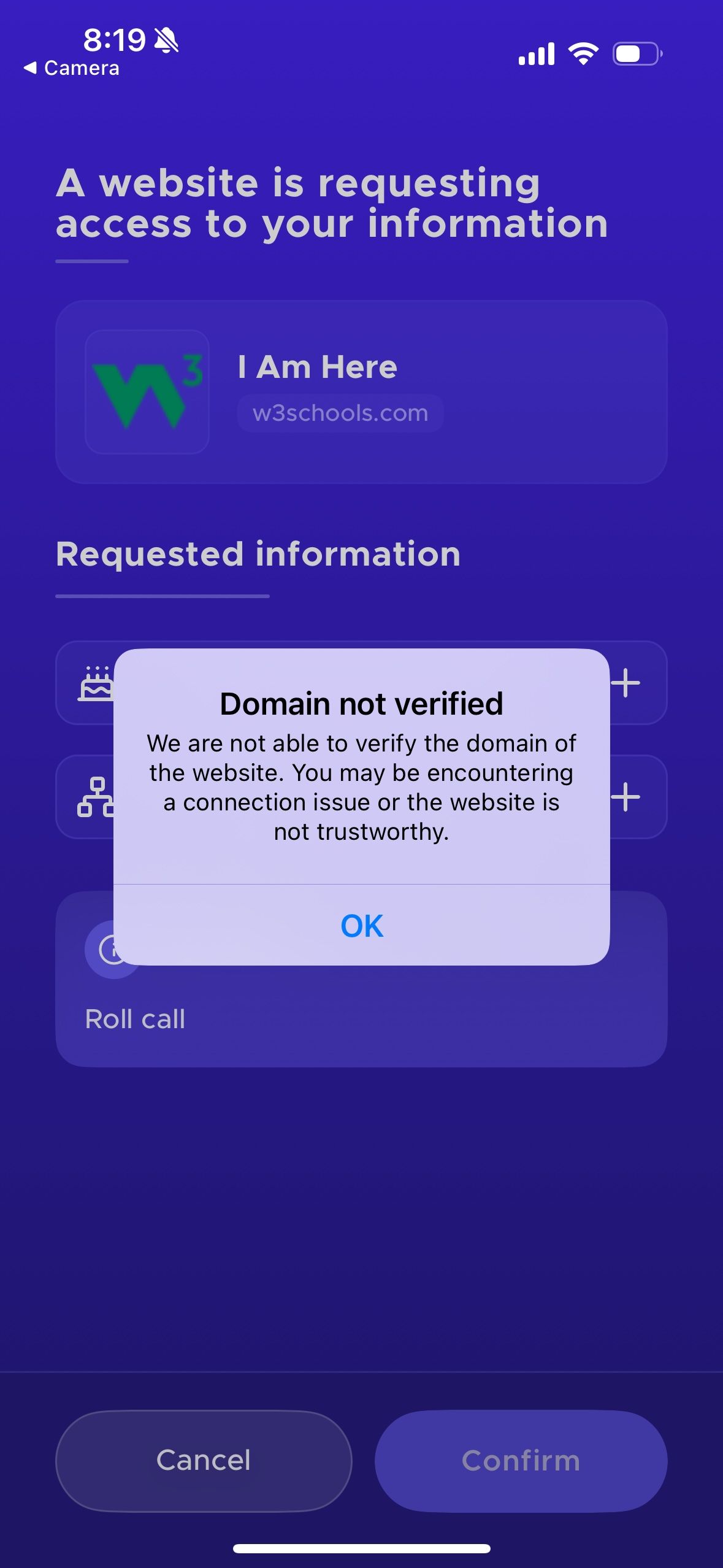
My guess is that I need to acquire a domain to get things to work. I have a few questions about this:
how does the zkpassport app know that I own the domain?
what steps does zkpassport app take to verify the domain? what conditions do I need to satisfy to get this step to work?
Thanks in advance for any help!
Comments5
Mitchell Douglass
Jul 29, 2025
@Théo Madzou I can confirm that I have gotten this working on localhost. For whatever reason, I had to work on my laptop rather than a github codespace, which I still don’t fully understand.
In any case, I did want to mention a few lingering issues:
it appears I need to restart the ZKPassport app before each attempt in order for domain verification to work
occasionally, the “Continue” button will present as enabled for a few seconds, then present the spinner, after which domain verification will fail
even if I restart the ZKPassport app, domain verification will still occasionally fail
I have also followed up with another post. Please let me know if this is the appropriate forum for my questions.
An Anonymous User
Jul 23, 2025
@Théo Madzou Thank you for the quick response!
Following your suggestion, I tried omitting the domain parameter from the constructor. I also tried passing http://localhost/. In both cases, I experienced the same delay and error message from the App.
For the “logo” parameter, I have tried passing an empty string and “https://zkpassport.id/favicon.png“. I don’t know if the app has a requirement that the logo be served under the domain? I even tried an image url under localhost, and this also did not work (unsurprisingly). Could I be missing something else?
Théo Madzou
Jul 26, 2025
If you try running your web app locally using localhost, rather than the actual IP address (i.e. 127.0.0.1), it should work. A fix is coming for this, but this will fix it for now.
Théo Madzou
Jul 23, 2025
We also have a Next.js boilerplate if you want to take a look. Here’s the sample onchain implementation
https://github.com/zkpassport/zkpassport-sdk-example/blob/main/app/evm/page.tsx
Théo Madzou
Jul 23, 2025
Hey! Thanks for trying out our SDK.
For the domain name, when you use the ZKPassport class on the client-side, you can omit the domain name in the constructor, and it will autofill it from the window location object. So if you’re running locally, it will be localhost, which should work fine. Or you can put localhost directly.
The app verifies that the domain used for the websocket messages sent by the SDK to the app matches the domain set by the developer. For now, there’s no further checks at this stage. If both the specified domain and websocket origin are spoofed the user will be able to see the domain on the app doesn’t match with the website they are interacting with.
Adding an optional verification that you own the domain is in our plans, but today, this is not done yet.